How to Create a Productive Home Workspace Environment
Creating a productive home workspace environment is essential for anyone who works remotely, studies, or pursues creative projects at home. A well-designed space not only helps improve focus and efficiency but also supports your overall well-being. In this post, we will explore practical tips to help you create a home workspace that inspires productivity and comfort.
Why a Dedicated Workspace Matters
When your home workspace is cluttered or poorly organized, distractions can quickly take over. Having a dedicated area for work allows your brain to associate that space with focus and productivity. Even a small corner can serve as your personal office if set up thoughtfully.
Choosing the Right Location
Consider Natural Light
Whenever possible, choose a spot near a window. Natural light increases alertness and improves mood. If natural light is limited, opt for bright, adjustable artificial lighting to reduce eye strain.
Minimize Distractions
Pick a quiet area away from household noise, the TV, or heavy foot traffic. Inform family members or roommates of your work hours to minimize interruptions.
Assess Comfort and Space
Make sure your chosen location has enough room for your desk, chair, and any tools or devices you need. Avoid cramped areas where you might feel confined.
Setting Up Your Desk
Invest in a Comfortable Chair
Ergonomics matter. Select a chair with good lumbar support and adjustable height to maintain proper posture throughout the day. This can reduce back pain and fatigue.
Keep Essentials Within Reach
Organize your desk so that frequently used items like your computer, notebook, pens, and phone are within easy reach. This reduces the need to get up repeatedly and lose focus.
Declutter Regularly
A clean workspace promotes a clear mind. Remove unnecessary items and papers each day, and consider using storage solutions like drawers, shelves, or desktop organizers.
Optimizing Lighting and Screen Setup
Avoid Glare and Shadows
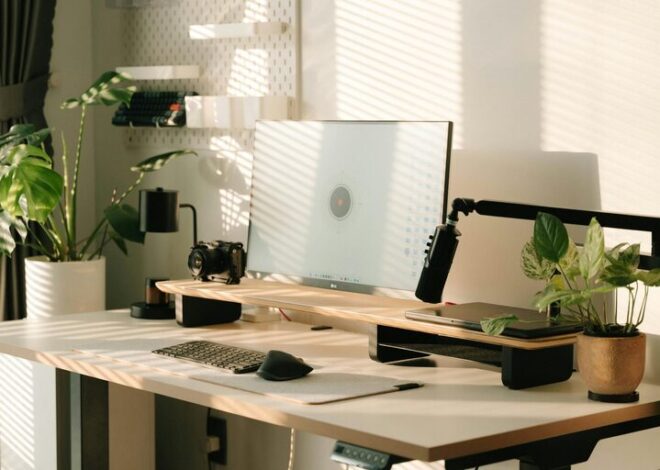
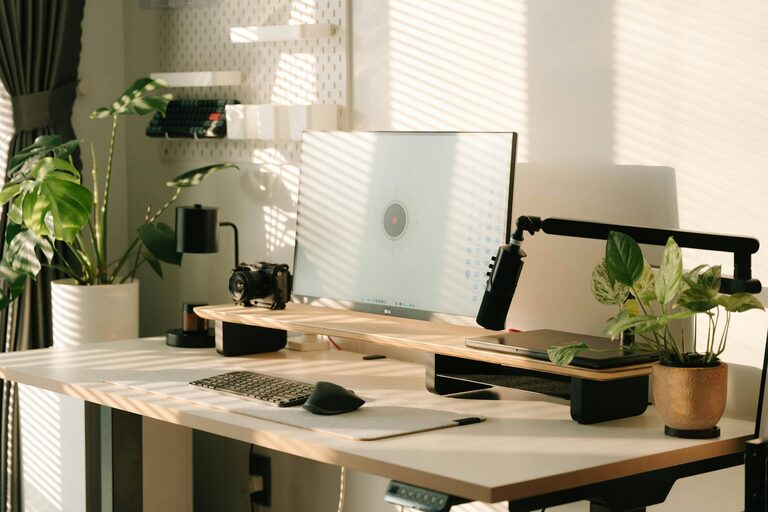
Position your desk and computer screen perpendicular to windows. Use blinds or curtains to control sunlight and prevent glare on your screen.
Use Proper Screen Height
Set your monitor so that the top of the screen is at or slightly below eye level. This position helps avoid neck strain and encourages good posture.
Consider Task Lighting
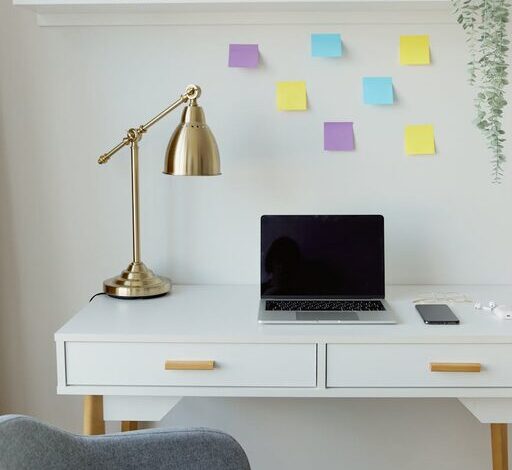
Add a desk lamp for focused lighting when working on paper tasks or reading. Adjustable lamps help reduce eye fatigue during long work sessions.
Managing Noise and Enhancing Focus
Noise-Canceling Options
If you can’t control noise sources, consider noise-canceling headphones or white noise machines. These tools help create a consistent sound environment conducive to concentration.
Incorporate Background Music
Some people find soft background music or instrumental playlists helpful for focus. Experiment with different sounds to see what works best for you.
Set Clear Boundaries
Use visual cues like closed doors or “Do Not Disturb” signs during work hours. This helps others respect your work time and space.
Personalizing Your Workspace
Add Greenery
Plants improve air quality and add a calming touch to your workspace. Choose low-maintenance varieties if you’re new to plant care.
Use Inspiring Decor
Photos, artwork, or motivational quotes can personalize your area without causing clutter. These elements can boost your mood and creativity.
Maintain Comfortable Temperature and Airflow
Keep your workspace well-ventilated and at a comfortable temperature. A fan, heater, or air purifier may be helpful depending on your climate.
Establishing Productive Habits
Create a Routine
Set regular working hours to develop consistency. Starting your day at the same time helps reinforce your workspace as a productive zone.
Take Breaks
Incorporate short breaks to stretch, hydrate, or rest your eyes. Breaks improve focus and prevent burnout.
Limit Digital Distractions
Turn off non-work notifications on your devices. Use apps or browser extensions to block distracting websites if necessary.
Final Thoughts
Building a productive home workspace environment combines thoughtful setup with positive habits. By focusing on location, comfort, organization, and minimizing distractions, you create a space that supports your best work. Remember to keep your workspace tailored to your needs and review your setup periodically to make improvements as your work style evolves. A little planning can lead to big gains in productivity and satisfaction.